
The decision in one paragraph
Build the order sheet so one row equals one production allocation. Include a unique line ID, squad, product code, fit, size, quantity, printed name, number, goalkeeper or special role, packing group, status and notes. Use controlled values for products and sizes, preserve names exactly as approved, flag duplicate numbers and reconcile totals with the quotation. One coordinator owns the file. Freeze a dated version, obtain affirmative approval and require every later change to reference the original row and supplier acceptance.
1. Make every row a production instruction
A roster is not merely a list of players. It connects commercial quantity, product specification, size allocation, variable artwork and packing. Use one row for one wearer-product combination. If a player receives a match jersey and training top, use separate rows or a structure that preserves both product codes and sizes without ambiguity.
Assign a stable line ID. Names can change and numbers can be reassigned, but the line ID lets buyer and supplier discuss a correction without pointing to “the second James.” Keep squad, age group or team code separate from the printed name. Use an allocation code for stock or spare items rather than inventing personal data.
Define which columns are instructions and which are notes. A blank printed-name field should clearly mean no name, while an unresolved field should carry a status. Never use colour highlighting alone to communicate a production decision because colours can disappear in exports or prints.
2. Use fields that prevent interpretation
Recommended fields include line ID, squad, product code, product description, fit category, size, quantity, printed name, number, special role, artwork version, packing group, approval status and notes. Add sleeve, short or accessory identifiers only when the order requires them. Avoid collecting birth dates, addresses or other personal details that production does not need.
Preserve printed names as text, including accents, punctuation, spaces and intended case. Preserve numbers as text if leading zeros are permitted. State maximum character or number rules supplied by the competition and producer. If transliteration is needed, the buyer should approve the exact production form.
Use supplier-approved product and size codes rather than free-typed descriptions. A “large” without product context is unsafe. Goalkeeper, youth, women’s, staff and player products should remain distinguishable even when their size labels overlap.
3. Add validation before manual review
Use dropdown lists for product, fit, size, squad and status. Validate mandatory fields, quantity format and allowed number range. Flag duplicate numbers within the relevant squad, duplicate line IDs, unsupported sizes, missing names where required and names where none are intended. Automated flags help reviewers; they do not decide whether an intentional duplicate is allowed.
Reconcile row totals by product, size and colourway with the quotation or purchase order. Also count personalised and blank units separately if price differs. If a supplier creates production proofs, the roster total must match the number of variable records in those proofs.
Test the exported format. Spreadsheet formulas, leading zeros, special characters and long names can change in CSV or production software. Ask the supplier to return a processed proof or exception report rather than assuming successful import.
4. Give one coordinator control of versions
Use a file name with project, roster purpose, revision and issue date. Store the active version in one controlled location and restrict editing after submission. Changes from coaches, players and parents should go through the coordinator, who resolves conflicts and issues a complete replacement version when required.
Include a change log with line ID, previous value, new value, reason, requester, approver, date and supplier acceptance. Do not send isolated changes in chat without updating the controlled file. The supplier should confirm which version has been imported and whether production has begun.
Protect personal data by limiting access, sharing only required fields and setting retention rules. The roster may be commercially necessary, but that does not justify distributing the team’s broader personal records.
5. Proof names and numbers at production size
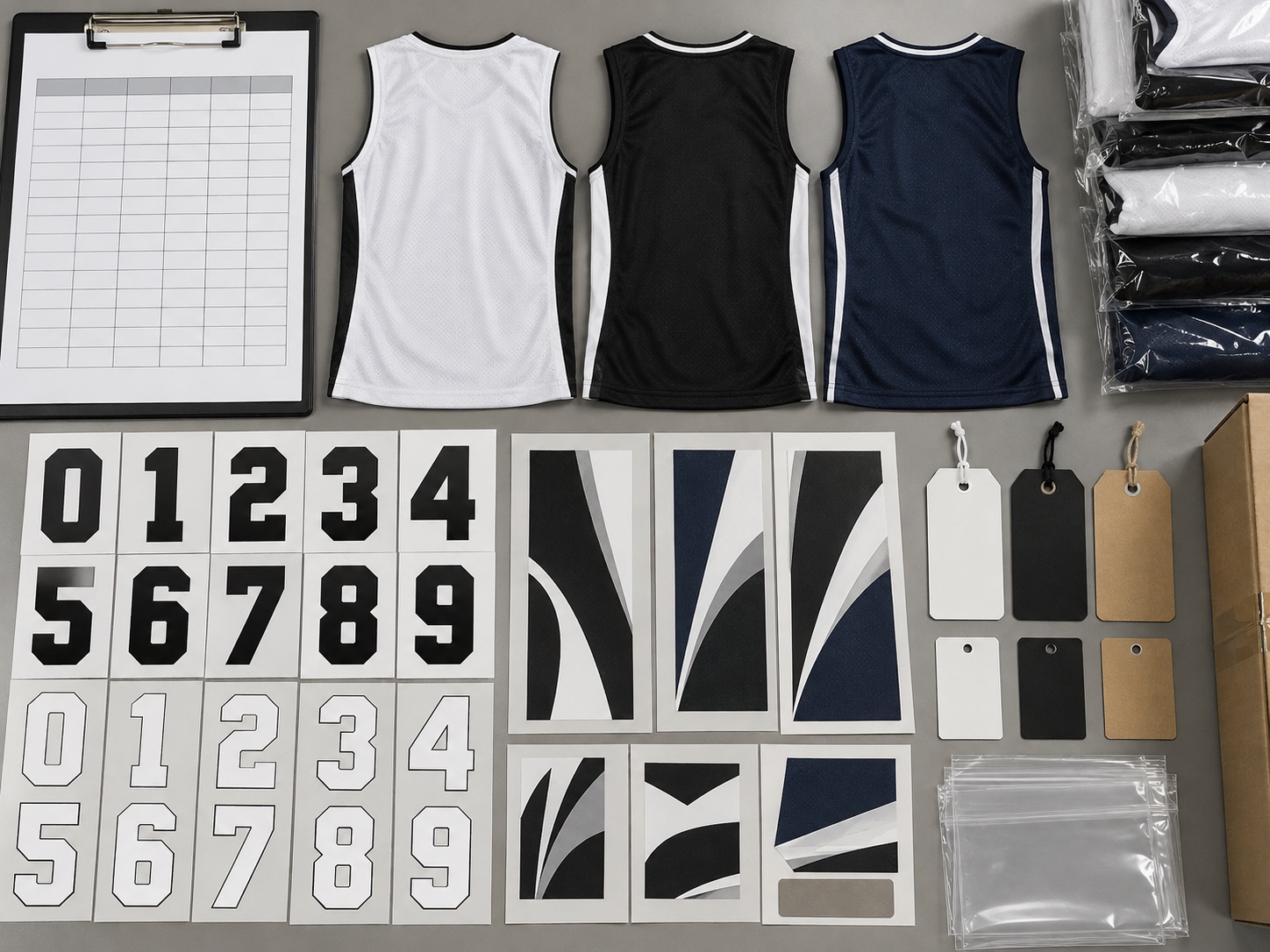
Approve the font or number shape, finished height, placement, colour, outline and spacing with the garment artwork. Review difficult characters, long names, accents and similar digits. A small spreadsheet cell cannot show whether a long name fits or a number crosses a seam.
Ask for a variable-data proof that connects each line ID to name, number, product and size. Check it against the roster using a two-person method: one reads the controlled row and the other verifies the proof. Record exceptions and require a revised proof where changes affect production artwork.
Competition rules and sponsor placements can constrain size and position. Verify current rules with the governing organisation. The supplier can implement the instruction, but the buyer owns the decision about eligibility unless the contract says otherwise.
6. Freeze with affirmative approval
Set separate deadlines for initial collection, player confirmation, internal review, supplier proof and production release. At freeze, produce a summary by product and size plus an exception list. The authorised approver should confirm the exact file revision; silence is not approval.
Connect the freeze to the production schedule. State whether the supplier can reserve materials or prepare non-variable work earlier and what happens if the roster is late. A roster deadline has meaning only when the consequence is understood.
Archive the approved roster, proof, quotation and artwork together. This record is needed to inspect delivery and distinguish an approved input from a manufacturing or packing error.
7. Control late changes and reconcile delivery
For every late request, check production status and create a replacement instruction linked to the original line. The supplier should confirm feasibility, cost, timing and whether the old item can be stopped. Never delete the original row from history. If a separate reorder is safer, identify it as a new commercial batch.
At receipt, check cartons or player packs against the approved roster and change log. Record shortages, duplicate allocations, wrong names or numbers, incorrect sizes and manufacturing defects separately. Photographs should include the line ID or controlled reference without exposing unnecessary personal data.
After distribution, record selection errors separately from supplier errors. The distinction improves the next sizing session, roster controls and supplier performance review.
8. Run a formal buyer-to-supplier handoff
Schedule a short release review with the final coordinator and supplier contact. Read back the project, roster revision, product totals, personalisation count, blank-stock lines, packing groups and unresolved exceptions. Ask the supplier to return its import or production summary and compare it with the buyer totals. Confirm character handling, leading zeros, goalkeeper distinctions and any intentional duplicate numbers. Record the accepted handoff time and the production status after which changes become chargeable or impossible.
For multi-squad programmes, create a control total at three levels: complete order, each squad and each product-size combination. These totals make accidental filtering or omitted rows visible. Preserve the formulas or export process used to create them. When the delivered order is reconciled, use the same levels so a correct overall total cannot conceal a shortage in one squad.
Treat the roster template as part of the repeat-order system. After delivery, update validation rules from real errors, retain a blank master without personal data and document which spreadsheet or CSV format the supplier successfully processed. This turns the next order into a controlled continuation instead of another improvised file.
If player packs are required, make packing group a controlled value and reconcile the number of bags, labels and garment lines. State how unmatched stock, spare garments and incomplete sets will be packed. Packing logic should never be inferred from row order because sorting and exports can change it.
At handoff, archive a read-only copy of the exact file and the supplier confirmation in the same project folder. Add the release date, approved-by name and the next irreversible production milestone. This small record prevents later disputes about whether a draft, proof or final roster was used.
What to confirm for your project
- One-row production logic and unique IDs
- Controlled product, fit and size values
- Name and number validation rules
- Coordinator, revision and change log
- Production-size proof and approval
- Freeze, late-change and delivery reconciliation
- Supplier import summary matched to order, squad and product-size control totals
- Packing-group logic for player sets, spares, incomplete sets and unallocated stock
MOQ, sampling conditions, production timing, exact material options and service scope are confirmed for the specific product and order. This guide does not replace a current quotation, approved sample or production specification.
Questions to carry into supplier review
- Which fields does production actually need?
- How are duplicate numbers checked by squad?
- What file revision did the supplier import?
- How will late replacements be recorded?
Questions buyers ask next
Should the roster use player names or allocation codes?
Use only what the product and packing process need. Printed names must appear exactly when required; stock and unnamed items can use allocation codes. Keep internal membership data outside the production file unless it has a defined purpose.
Can the team send roster changes by message?
A message can notify the coordinator, but the controlled roster and change log should be updated and reissued. The supplier must confirm the accepted revision and production effect. Otherwise different teams may work from different instructions.
How should duplicate jersey numbers be handled?
Define the uniqueness scope, usually squad or competition group, and flag duplicates automatically. An authorised person reviews intentional exceptions. Do not remove a duplicate silently because the roster may cover separate teams.
What should a personalisation proof show?
It should connect each controlled line to product, size, printed name, number and relevant artwork treatment at a scale that allows checking. The exact format depends on the production method, but it must support comparison with the approved roster.
How are late player additions managed?
Create a new line and check product availability, MOQ, batch matching, price and timing. If it cannot join the main run safely, place a documented repeat order. Keep the new instruction linked to the season roster without overwriting the frozen file.
Technical references and question evidence
- Technical referenceAdobe Acrobat — Print production tools and preflight inspection
Technical references support the discussion method. Question evidence documents public discussion of an issue; it does not diagnose a KITOEM product or establish a test result.